A study notes page to review before an exam
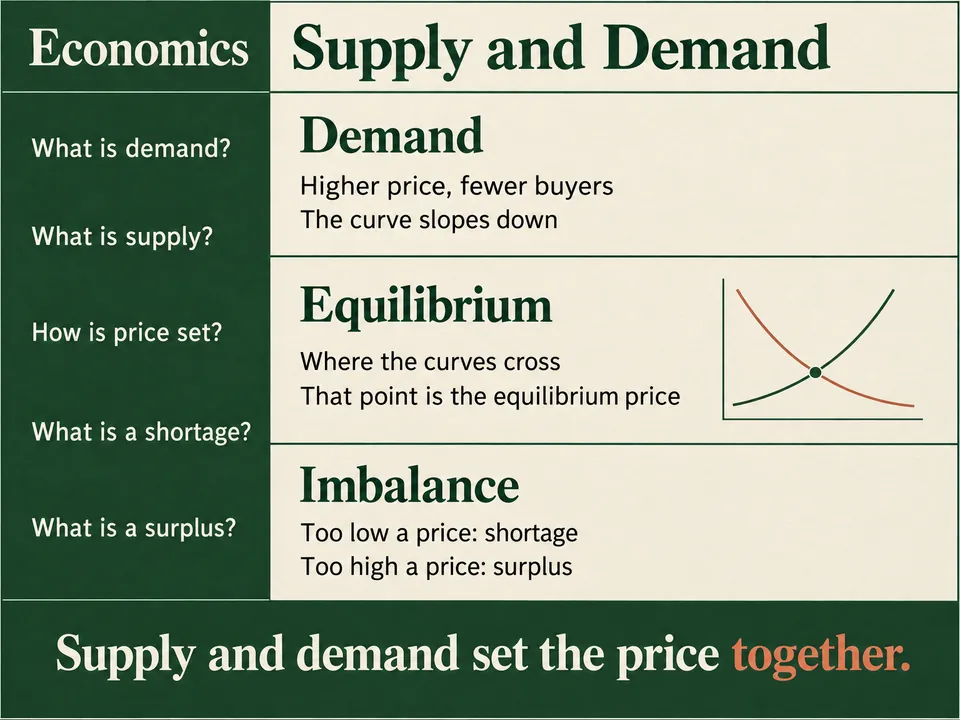
Name the topic you are reviewing. Winda makes one page as a picture: five questions down the left, the answers in three blocks on the right, and a summary across the foot.
Free to start · No credit card needed
What you get
- Five questions
- Down the left, each level with the block that answers it.
- Three answer blocks
- A heading and two or three short lines each, with one small diagram.
- A summary band
- One or two sentences across the foot.
How it works
Say what it is about
Name a topic, or add a PDF, a lecture video, an article or your own notes. With files, the result is written from them.
Winda makes it
The skill sets the form, so you do not write a prompt. You choose the model that does the work: Claude, GPT, Gemini and others.
Keep it and change it
The result is saved in your project beside your files and chats. Ask for a change in the chat, or make flashcards and a quiz from the same material.
Questions
Cornell notes are a document you can edit, and they hold a whole lecture. This is a picture with fewer words, made to look over quickly before an exam.
No. The result is a picture, not an editable canvas. To change it, say what to change in the chat, and Winda draws it again from the first one.
Not always. Winda decides the words before it draws and lists them in its reply, so you can check the picture against them. When a word comes out wrong, ask for the picture again.
More skills
 Memory sceneOne strange, striking picture that makes one fact easy to recall.
 SlidesA topic or a file as a deck of illustrated pages, to read page by page.
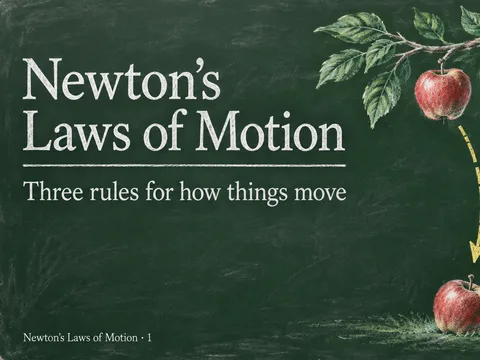 Chalkboard slidesA deck drawn in chalk on a dark green board, one point to a page.
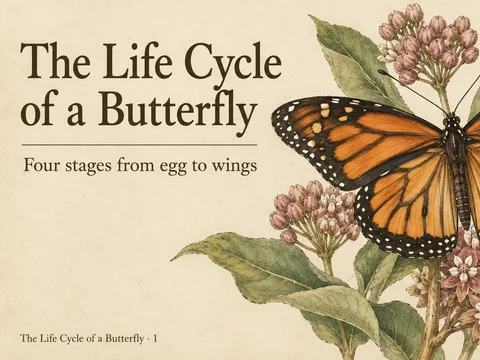 Vintage plate slidesEach page a plate from an old natural history book, in ink and watercolor.
Learn deeply. Create freely.
A learning space to read, chat and create.
Free to start · No credit card needed