Cornell notes, made from your material
Name a lecture, a chapter or a topic. Winda writes Cornell notes on it: a cue for each block of notes, and a summary of the page. Cover the notes and answer the cues to test yourself.
Free to start · No credit card needed
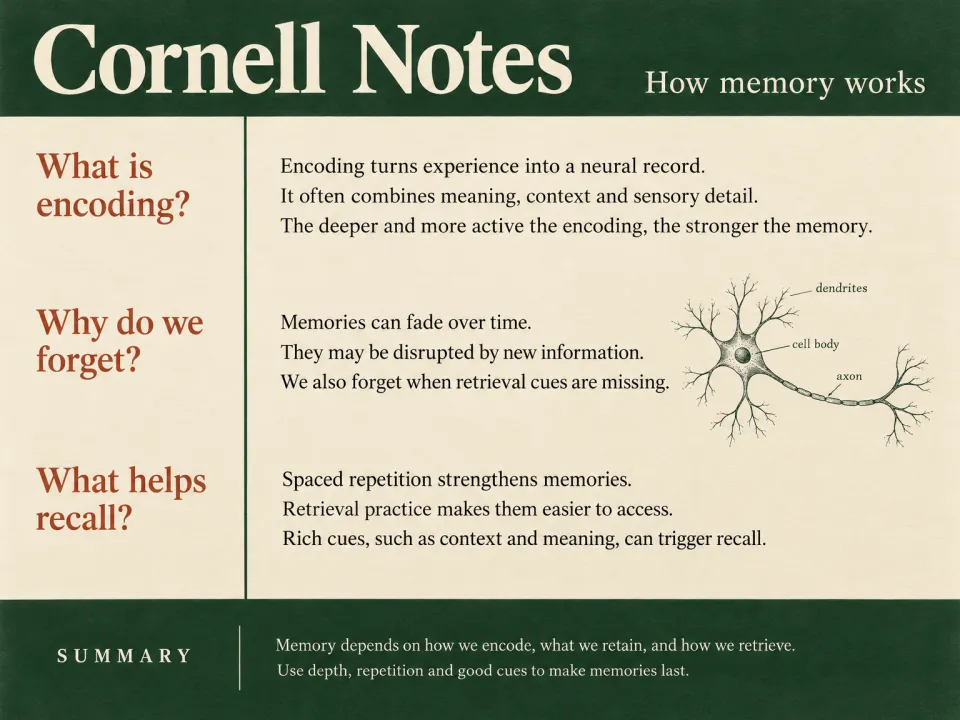
What you get
- The cue column
- A short question or a key term for each block of notes. A cue is something you can answer with the notes covered.
- The notes column
- Two to four short lines that answer each cue, in the order of the lecture or chapter.
- The summary
- Two or three sentences at the foot that say what the whole page comes to.
What the Cornell method is
The Cornell method is a way to lay out a page of notes. Walter Pauk, who taught study skills at Cornell University, described it in the 1950s. The page has three areas: a wide column for the notes, a narrow column beside it for cues, and a space at the foot for a summary.
In a lecture you write only in the notes column. Soon after, you read the notes and write a cue beside each block: the question that the block answers, or the term it explains. Then you write the summary in your own words. These two steps are where most of the learning happens, because you must decide what each part of the lecture was for.
To review, cover the notes column and answer each cue aloud or on paper, then uncover the notes and compare. This is active recall: you pull the answer from memory before you look at it. It takes longer than reading the page again, and you remember more of it.
Notes that Winda writes for you skip the first step, so do the last one yourself. Use the page as a self-test, change any cue that is too easy, and write the summary again in your own words when you know the material better.
How it works
Say what it is about
Name a topic, or add a PDF, a lecture video, an article or your own notes. With files, the result is written from them.
Winda makes it
The template sets the form, so you do not write a prompt. You choose the model that does the work: Claude, GPT, Gemini and others.
Keep it and change it
The result is saved in your project beside your files and chats. Ask for a change in the chat, or make flashcards and a quiz from the same material.
Questions
Yes. Add the YouTube lecture, the PDF or your own rough notes to a project and name the file in your message. The cues and notes follow the order of that material.
No. It is a filled page: the cues, the notes and the summary are written for your topic. If you want to take the notes yourself, the layout is simple to draw: a narrow column on the left, a wide one on the right, and a few lines at the foot.
Yes. Formulas are written as math in the notes column, and a cue can ask for a formula, a definition or the next step of a derivation.
Cover the notes column, answer each cue from memory, then check. Mark the cues you missed and do those again the next day. You can also ask Winda to turn the cues into flashcards.
More templates
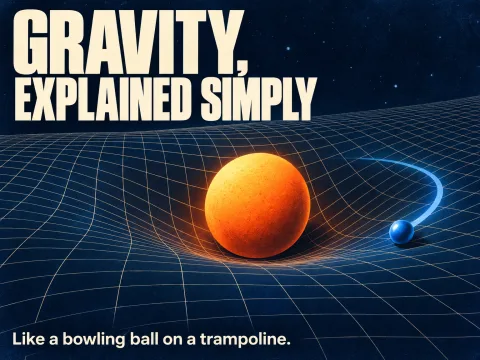 Explain it simplyOne idea in plain words, with an everyday comparison and the points where people lose the thread.
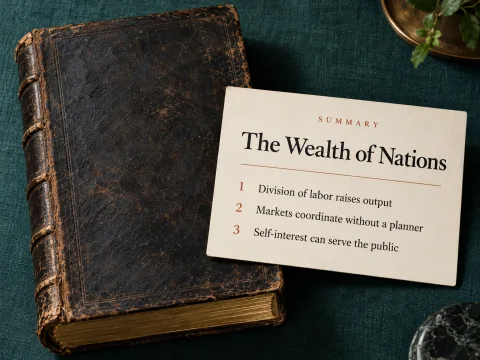 SummaryWhat a text, lecture or video says in one paragraph, its key points, and what to take from it.
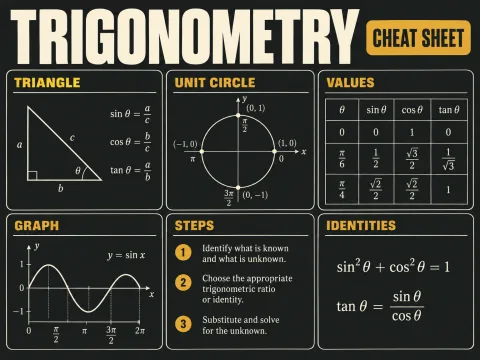 Cheat sheetThe formulas, definitions, rules and steps of one topic on a single page.
 ComparisonTwo concepts in one table, and the points people confuse most.
Learn deeply. Create freely.
A learning space to read, chat and create.
Free to start · No credit card needed