YouTube video summarizer
Add a YouTube lecture or talk. Winda reads its transcript and writes notes on it: a summary, the sections in order with a link to each moment, and the terms it defines.
Free to start · No credit card needed
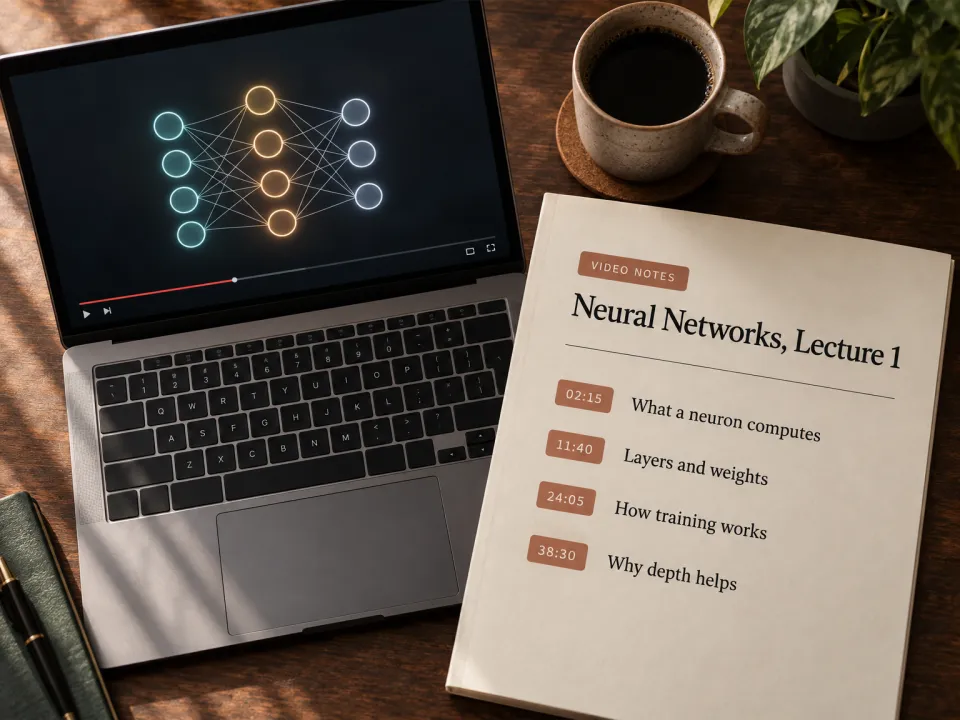
What you get
- A summary
- Three or four sentences that say what the video claims or teaches.
- Sections with timestamps
- The video's parts in order. Each heading links to the moment the part starts, and under it are its points as full statements.
- Terms the video defines
- A table of each term, its one-line definition and the time it is given.
- What to watch again
- The two or three moments that carry the most, each with its time and the reason.
How to learn from a video, not only watch it
A lecture video is easy to watch and hard to use. You cannot skim it as you skim a page, and a point you half understood at minute 14 is gone by minute 40. Notes with timestamps turn the video into something you can search: you read the notes, and you open the video only at the moments you need.
A summary alone is not enough for study. It tells you what the video is about, and that helps you decide whether to watch it. To learn the content you need the points of each section and the definitions, in the speaker's order, so you can follow the argument and find the step you lost.
The notes are made from the video's transcript, so they hold what the speaker said and no more. After you read them, close them and try to say the main points of each section. Then ask for flashcards or a quiz on the same video to check what stayed.
How it works
Say what it is about
Name a topic, or add a PDF, a lecture video, an article or your own notes. With files, the result is written from them.
Winda makes it
The template sets the form, so you do not write a prompt. You choose the model that does the work: Claude, GPT, Gemini and others.
Keep it and change it
The result is saved in your project beside your files and chats. Ask for a change in the chat, or make flashcards and a quiz from the same material.
Questions
YouTube videos that have a transcript, which is most lectures and talks. Paste the link to add the video to a project. Playlists and channels are not supported: add the videos one at a time.
Yes. Each time in the notes is a link. It opens the video at that second, beside the notes.
Yes. The video stays in your project. Ask about any part of it in the chat, and the answers point to the moments they rest on.
Winda is free to start and needs no credit card. Writing a document uses AI credits, and the free plan has a monthly amount of them. Reading your files and reviewing flashcards do not use credits.
More templates
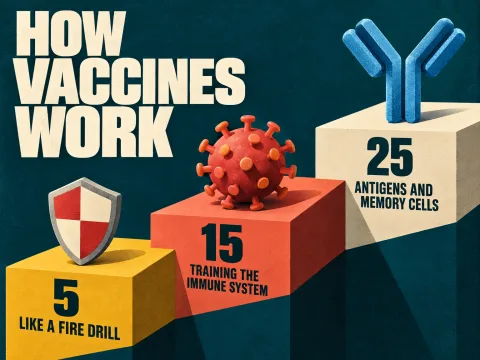 Explain like I'm 5One idea explained for a five-year-old, a high school student and a university student.
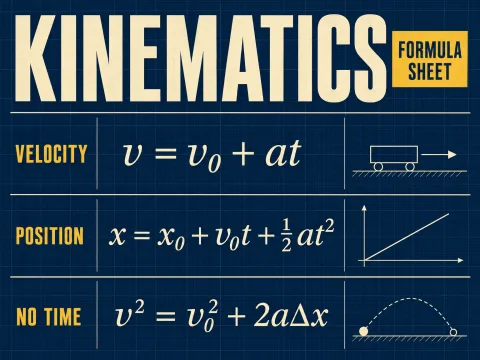 Formula sheetThe formulas of a course in tables, each with its symbols, units and when it applies.
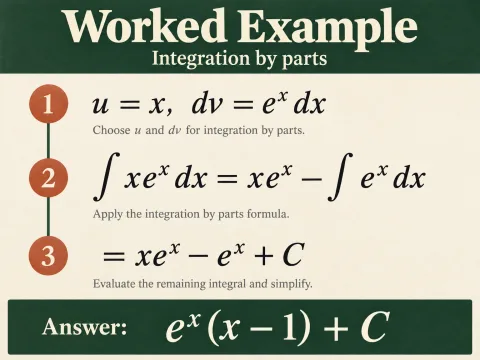 Worked exampleOne problem solved step by step with the reason for each step, then three to try.
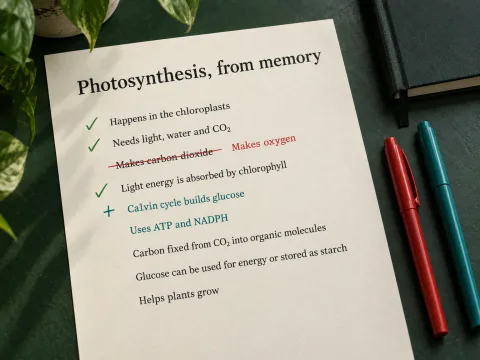 BlurtingWrite all you remember on a topic. Winda marks what is right, wrong and missing.
Learn deeply. Create freely.
A learning space to read, chat and create.
Free to start · No credit card needed