Summarize a PDF, a lecture or an article
Add a PDF, a YouTube lecture, an article or a chapter. Winda writes its summary: what it says, its key points in order, the terms you must know and the key takeaways.
Free to start · No credit card needed
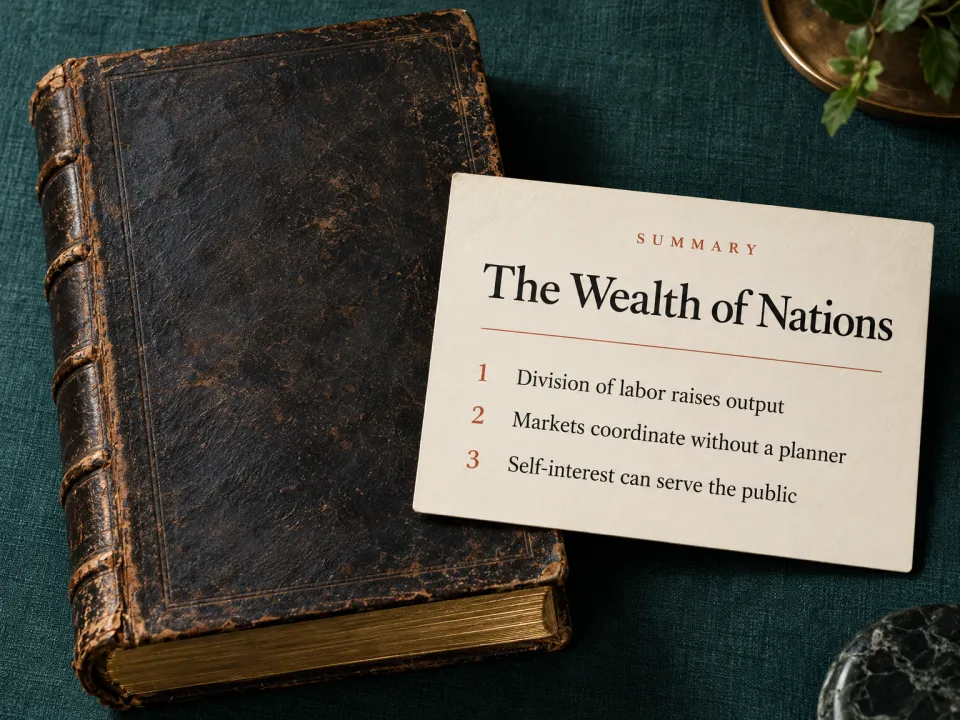
What you get
- One paragraph
- Three or four sentences that say what the source claims or covers.
- Key points in order
- Five to eight points, each one sentence that states the point and does not only name its subject.
- Terms to know
- The terms a reader needs, each defined in one line.
- Key takeaways
- Two or three sentences on what to remember.
How it works
Say what it is about
Name a topic, or add a PDF, a lecture video, an article or your own notes. With files, the result is written from them.
Winda makes it
The template sets the form, so you do not write a prompt. You choose the model that does the work: Claude, GPT, Gemini and others.
Keep it and change it
The result is saved in your project beside your files and chats. Ask for a change in the chat, or make flashcards and a quiz from the same material.
Questions
PDFs, web articles, YouTube videos with a transcript, and text you paste or write. Add the source to a project and name it in your message. You can also ask for one chapter or one section.
It is told not to. The summary keeps the source's own claims apart from comment and adds no facts. When it is written from general knowledge and not from your file, it says so.
Yes. The source stays in your project. Ask about any part of it in the chat, and open the original beside the answer to check it.
More templates
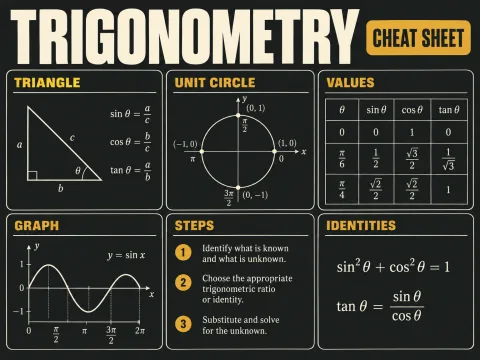 Cheat sheetThe formulas, definitions, rules and steps of one topic on a single page.
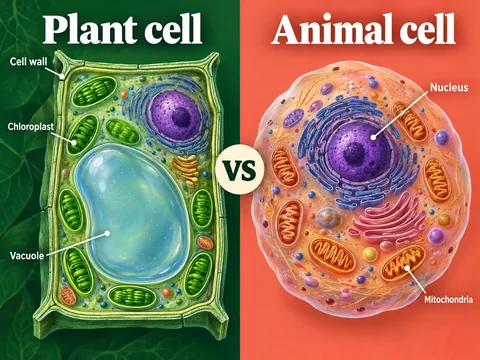 ComparisonTwo concepts in one table, and the points people confuse most.
 OutlineA review outline for an exam: the points in layers, a line each.
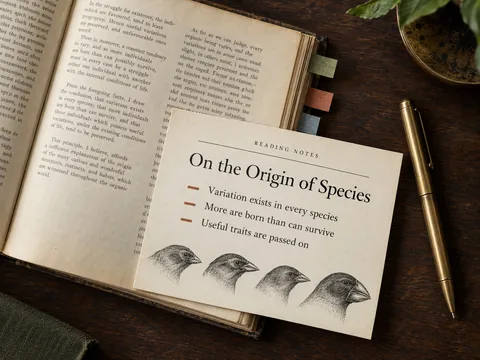 Reading notesA book or text's core ideas, how its argument is built, and questions to think about.
Learn deeply. Create freely.
A learning space to read, chat and create.
Free to start · No credit card needed