AI slides maker for studying
Name a topic or add a file. Winda makes a deck of six to eight illustrated pages that explains it in order: what it is, how it works part by part, why it matters and what to remember.
Free to start · No credit card needed

What you get
- A cover and a summary
- The first page names the topic and what you will understand. The last page gathers three to five points to remember.
- One point to a page
- Each page between them makes one point with one illustration, a few labels and a short takeaway. A page can be read alone.
- One look for the whole deck
- Every page has the same background, colors and type, so the deck reads as one thing.
- Pages you can ask about
- Open a page and ask the chat about it. Winda has the words of every page, so it can explain one further or write a quiz from the deck.
Slides for reading, not for presenting
Most slide tools are made for a speaker: the slide holds a few words and the speaker says the rest. A deck you study from has no speaker, so each page here says its point in full, with a picture that shows it.
The deck follows the order a teacher would use. It starts with what the thing is, goes through how it works one part to a page, says why it matters and ends with what to remember. Six to eight pages are enough for one topic; a longer subject is clearer as two decks.
Read the deck once from start to end, and then use the last page to test yourself: cover it, say the points aloud and check. Where you cannot say a point, open its page and ask about it.
How it works
Say what it is about
Name a topic, or add a PDF, a lecture video, an article or your own notes. With files, the result is written from them.
Winda makes it
The template sets the form, so you do not write a prompt. You choose the model that does the work: Claude, GPT, Gemini and others.
Keep it and change it
The result is saved in your project beside your files and chats. Ask for a change in the chat, or make flashcards and a quiz from the same material.
Questions
Yes. Add the file to a project and name it in your message. The content of the deck is taken from that file.
No. Each page is a picture, not an editable slide. To change a page, say what to change in the chat, and Winda draws that page again. You can download the deck as a PDF.
Not always. Winda writes the words before it draws and keeps them with each page, and it names the pages most worth checking. When a word comes out wrong, ask for that page again.
You can show them, and full screen shows one page at a time. They are written to be read, so a page holds more words than a slide made for a talk.
More templates
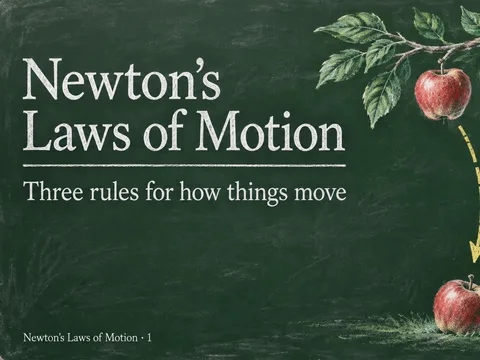 Chalkboard slidesA deck drawn in chalk on a dark green board, one point to a page.
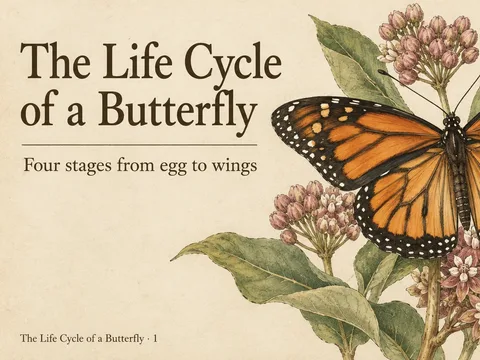 Vintage plate slidesEach page a plate from an old natural history book, in ink and watercolor.
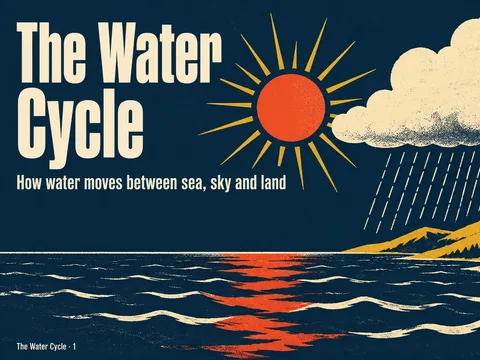 Retro poster slidesA deck of mid-century screen prints: flat shapes, few colors, strong contrast.
 Dark museum slidesOne finely rendered subject on a near-black ground, like a museum poster.
Learn deeply. Create freely.
A learning space to read, chat and create.
Free to start · No credit card needed