Sketchnote slides maker
Name a topic or add a file. Winda makes a deck that looks like the notes of a skilled visual note-taker: warm paper, charcoal marker lines, soft color fills and neat hand lettering.
Free to start · No credit card needed
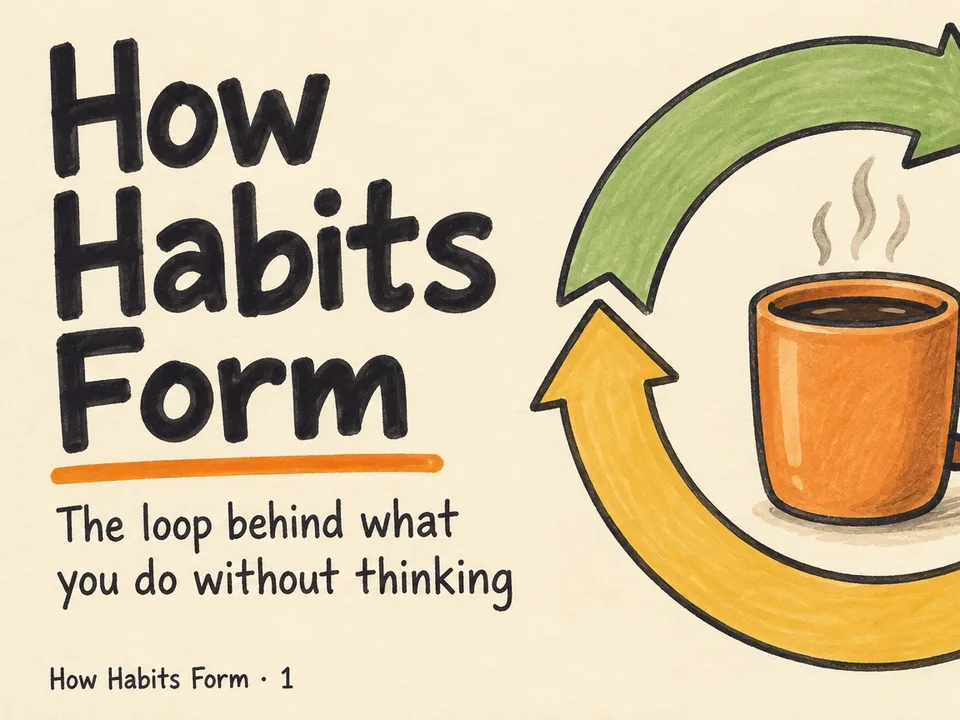
What you get
- The look
- Warm cream paper fills each page. Drawings are in charcoal marker with soft fills of green, blue and mustard, the lettering is by hand, and orange marks the key element.
- A cover and a summary
- The first page names the topic and what you will understand. The last page gathers three to five points to remember.
- One point to a page
- Each page between them makes one point with one picture, a few labels and a short takeaway. A page can be read alone.
- One look for the whole deck
- Every page has the same background, colors and type, so the deck reads as one thing.
When the sketchnote look fits
Sketchnotes join a few words to a simple drawing, which is a good way to keep an idea. A hand-drawn page also looks less final than a printed one, so it is easier to start reading.
It suits a first look at a topic: an idea from psychology, a study method, a concept from a lecture. For exact structures and technical parts, choose the scientific or the blueprint look.
How it works
Say what it is about
Name a topic, or add a PDF, a lecture video, an article or your own notes. With files, the result is written from them.
Winda makes it
The template sets the form, so you do not write a prompt. You choose the model that does the work: Claude, GPT, Gemini and others.
Keep it and change it
The result is saved in your project beside your files and chats. Ask for a change in the chat, or make flashcards and a quiz from the same material.
Questions
Yes. Add the file to a project and name it in your message. The content of the deck is taken from that file.
Not of a deck that is made: its pages are pictures. Ask for the deck again in another look, or say what to change on one page, and Winda draws that page again in the same look.
No. Each page is a picture, not an editable slide. To change a page, say what to change in the chat, and Winda draws that page again. You can download the deck as a PDF.
Not always. Winda writes the words before it draws and keeps them with each page, and it names the pages most worth checking. When a word comes out wrong, ask for that page again.
More templates
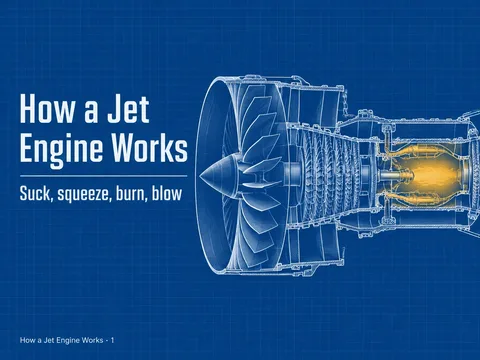 Blueprint slidesTechnical drawings in white line on deep blue, one part to a page.
 Watercolor slidesA deck painted in soft, luminous washes, calm to read.
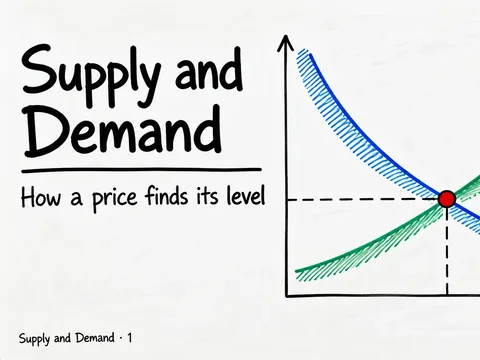 Whiteboard slidesA deck drawn in marker on a white board, like a good explanation.
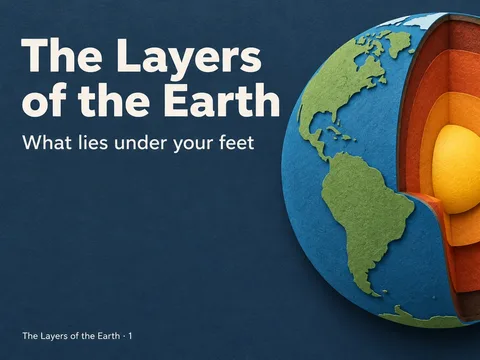 Paper cut slidesPages built from layers of cut colored paper, with soft shadows.
Learn deeply. Create freely.
A learning space to read, chat and create.
Free to start · No credit card needed